Securing Microsoft SQL Server

Database access is mission-critical — and a common attack vector.
The SQL Server Security Agent monitors authentication failures and blocks unauthorized access automatically.
Simply ensure that your SQL Server logs failed logins (enabled by default), and Cyberarms will take care of the rest.

High security is not achieved by monitoring. But by protection.

Securing Microsoft SQL Server can easily be achieved by activating the SQL Server security agent, which secures access to SQL Server. For monitoring for failed logins using SQL Server authentication, this agent uses the Windows Event Log. You have to enable SQL Server logging and the SQL Server agent to start monitoring.
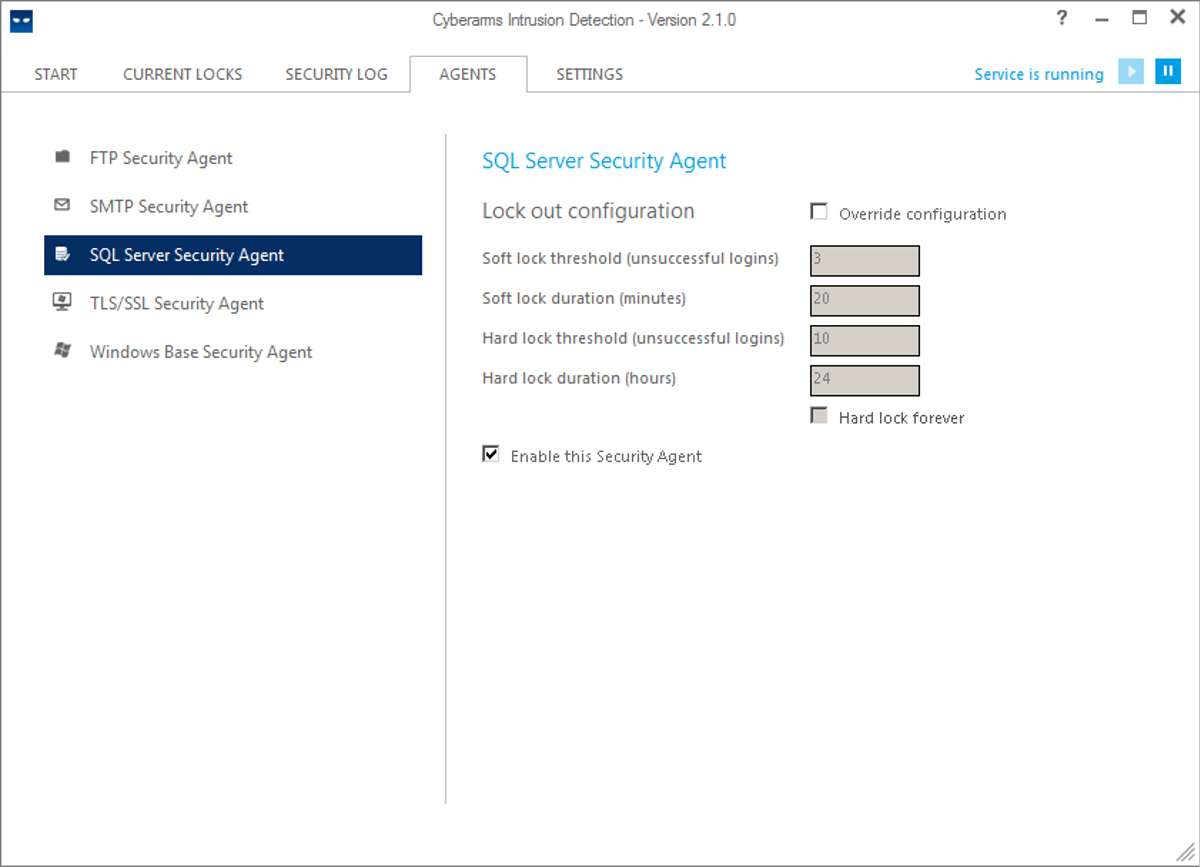
Agents Sql Server

Applications secured by this agent are, among others, Microsoft Dynamics NAV, AX or GP, and any other application which uses SQL Server authentication, and secures against SQL Server brute force attacks.